
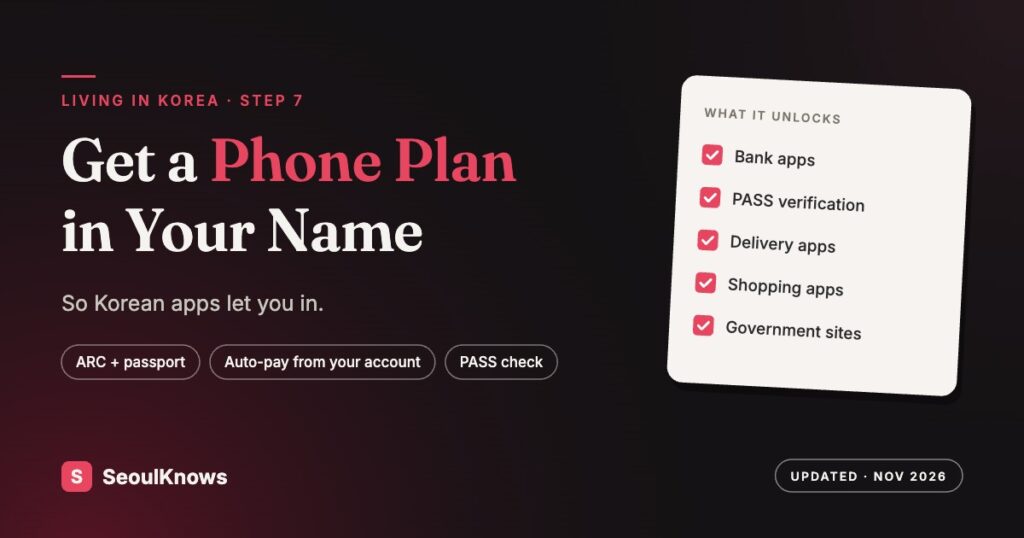
If you are staying in Korea long term, a phone line registered in your own name is what makes Korean apps work. Banks, delivery apps and government sites check that your line matches the name and ID number on your ARC (Residence Card), usually through PASS, the phone-verification app most Korean sites use. This guide covers the two ways to get connected, what carriers ask for, budget carriers, eSIM, and how to keep your name from being misused.
Short answer
Use a prepaid SIM or eSIM for your first days. Once you have your ARC and a Korean bank account, get a plan in your own name and pay it by auto-debit from that account. Then set up your banking app with the new number. Copy your name exactly as it appears on the ARC.
Why the name on your line matters
A passport-only SIM or eSIM gets you online on day one, but it may not pass identity checks. KakaoBank, for example, does not accept a number opened with a passport or a prepaid number.
Living in Korea?
Get Seoul in your inbox every Monday.
New guides like this one, this week's events and new Seoul Hacks. One email a week, free.
Two ways to get connected
- Prepaid SIM or eSIM with a passport. Quick, but some passport lines end after 90 days and may not support phone verification. SK Telecom says a prepaid line opened with a passport cannot be recharged after your permitted stay ends.
- Postpaid plan with your ARC. The usual route for students staying long term.
Started on prepaid? Once you have your ARC, ask to move the line to your ARC. Store guides say SKT and KT prepaid numbers can switch to postpaid with six months or more left on your stay, while LG U+ prepaid cannot.
What a postpaid plan usually needs
Bring
- ARC and passport
- A Korean bank account or Korean card in your own name for auto-pay. Cards issued abroad are usually not accepted, and budget carriers usually take only an account in your own name. This is why the bank account comes first, at station 7. KT also lets you register another person's account at a KT store.
- Enough time left on your visa. Store guides for all three carriers say at least 60 days; KT's English page lists 90 days, so ask. With less than that, you can only get prepaid.
- Under 19: a parent or guardian has to come along.
If your visa is about to be extended, sign up after the extension.
Phone installment plans depend on your visa and how long you are staying. A KT dealer guide says students on a D-2 visa can usually have one postpaid line and pay for a phone over up to 24 months (up to 1 million won) if at least six months remain on their stay, while D-4 language-school students can get a line but must buy the phone outright. Check with the store, since rules can change.
Honest Seoul tips, once a week. Get the newsletter →
What it costs
Prices change often, so treat these as a rough guide from carrier dealer and budget-carrier pages in November 2026.
- Plans for foreign residents at SK Telecom and KT start at around 39,000 won a month, with a small data allowance and slower speed after it runs out.
- Budget-carrier plans for foreigners run from about 16,500 won a month on a promotion to about 32,000 won, often with around 7GB and slower data after that.
Before you sign, ask for the price after any promotion ends, the speed after your data runs out, and any condition you must meet to keep a discount.
The three carriers
SK Telecom, KT and LG U+ mostly sign up foreigners in a store, and the papers they ask for can differ by store. Ask what they need for your visa type before you go.
- SK Telecom: 080-011-6000 (English, Chinese, Japanese)
- KT: 02-2190-1180 (English, Chinese, Japanese)
- LG U+: 1544-0010 (English)
- KT Global service center: 080-448-0100, weekdays 9 am to 6 pm (English, Chinese, Vietnamese, Russian; not reachable from abroad)
You may hear a Korean greeting first, then a language menu.
Budget carriers (MVNOs)
Budget carriers (알뜰폰) are often much cheaper and accept foreigners with an ARC. To sign up online you usually need a simple-authentication app (PASS, Kakao or Naver) that supports your ARC number, plus a card or account in your own name. If the online check fails, use a store or service desk instead.
Copy your name exactly
Enter your name as it appears on your ARC, with the same order and spaces. A missing middle name or a different space is a common reason verification fails.
Seoul Emergency Card
Emergency numbers, where to go at night or on a Sunday, and Korean phrases to show, on two pages. Subscribe to This Week in Seoul and download it right away. We will also send the list of clinics open over Seollal 2027 when the city publishes it. One email a week, free, unsubscribe anytime.
Phone verification (PASS)
Once your line is in your name, install the PASS app for your network (SKT, KT or LG U+). On a budget carrier, choose MVNO and then your carrier's name. Type your name exactly as the carrier registered it.
Korean to use at the store
At the carrier store
Show this on your phone at the counter.
- 외국인등록증으로 후불 요금제 개통하고 싶어요.I would like a postpaid plan with my ARC.
- 요금은 제 계좌에서 자동이체로 낼게요.I will pay by auto-debit from my bank account.
- 여권으로 개통한 번호를 외국인등록증 명의로 바꾸고 싶어요.I want to move the number I opened with my passport to my ARC.
- 이 휴대폰 eSIM 되나요?Does this phone support eSIM?
Your phone and eSIM
If you bring a phone from home, unlock it before you fly. For your first days, see Do you need an eSIM in Korea. Most recent phones support eSIM, including iPhone XS, XR and later, and Korean Galaxy S23, Z Flip4 and Z Fold4 or later.
- iPhone: look for Add eSIM under Settings > Cellular.
- Android: dial *#06# and look for an EID.
- Phones sold in some markets, such as mainland China, may not support eSIM.
Keep your name safe
- Never lend your passport or ARC, and never let anyone open a line in your name. Such lines are used in phone fraud.
- With an ARC, you can see which lines are open in your name and block new ones on Msafer, the official site at msafer.or.kr (help line 1670-1382, weekdays 9 am to 6 pm). It cannot close lines that already exist; call the carrier for those. Be wary of look-alike addresses.
After you get a number
Now set up your banking app and mobile banking with the new number, and update it in your other apps. If verification fails, check the name spelling against your ARC. Next step: health insurance.
Checked November 2026. Plans and rules change, so confirm with the carrier.
Sources
- Korea Herald: a local number alone may not give foreign residents access to banking, delivery and government services (Sep 2026)
- KT Global Shop: what you need to sign up
- Study in Korea: mobile phones
- Asia News Network: foreigner ID checks in mobile registration (Oct 2025)
- Seoul National University: phone and apps
- KakaoBank: foreigner account requirements (kakaobank.com)
- Msafer (msafer.or.kr)
- Carrier store and dealer guides, November 2026
Help keep this page right
No name or email needed. Please leave out personal details.